
Modern AI models arrive as blank slates - capable but directionless. What separates a generic chatbot from a specialized coding assistant, medical advisor, or creative writing partner? The answer lies in system prompts, the hidden instructions that shape how models think, respond, and behave. These foundational directives transform general-purpose AI into domain experts without retraining. A well-crafted system prompt can turn the same base model into a patient tutor, a terse code reviewer, or a formal business analyst. The difference isn't in the model itself, it's in how you tell it to approach its work.
What System Prompts Actually Do
System prompts operate as persistent background instructions that an AI model receives before any user interaction begins. Unlike user messages, these directives remain constant across an entire conversation, creating the foundation for how the model interprets and responds to every query. Think of them as operating system-level rules for AI behavior.
The core function of a system prompt is behavioral definition. When you specify "You are a helpful assistant," you're setting not just tone but establishing the model's fundamental perspective and constraints. The model treats this instruction as immutable context, filtering every subsequent response through this lens. More sophisticated prompts layer additional rules: response format, knowledge boundaries, reasoning approach, and even ethical guidelines.
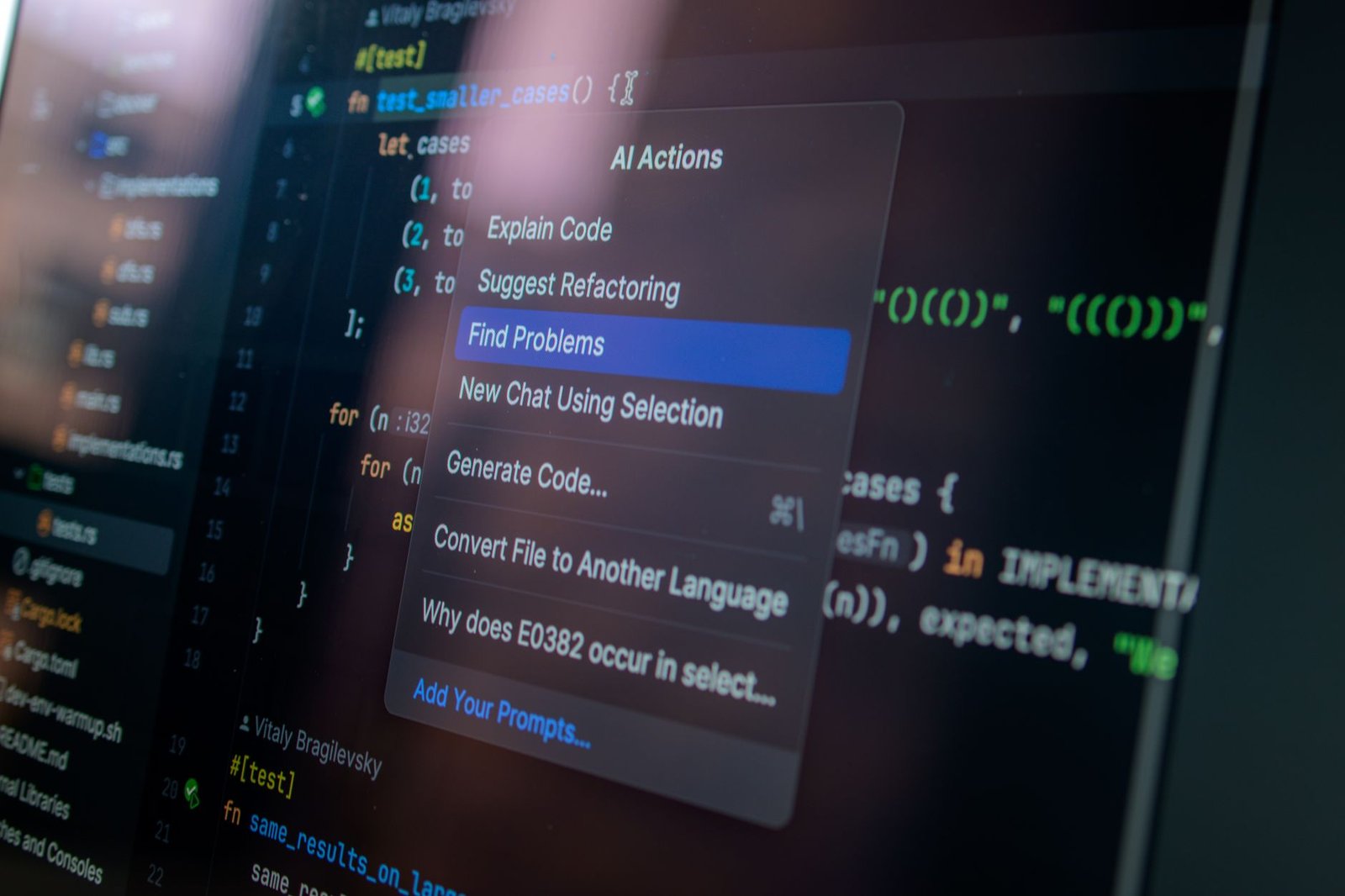
The mechanics work through the model's context window - the total amount of information it can consider when generating a response. The system prompt occupies a privileged position at the beginning of this window, anchoring all subsequent processing. This is why system prompt engineering has become a recognized specialization in AI deployment, particularly for organizations building production applications.
System prompts also create consistency. Without them, the same model might adopt different personas or approaches across conversations. In commercial applications where brand voice and compliance matter, this variability creates risk. A properly designed system prompt ensures that whether a customer asks a question at 2 PM or 2 AM, the response quality and character remain uniform.
Building Expert-Level System Prompts
Creating an effective system prompt requires more than generic instructions. The most powerful prompts combine role definition, contextual boundaries, and explicit behavioral rules in a structured format.
Start with role specification. Instead of vague directives like "be helpful," define a concrete identity: "You are a senior software architect reviewing code for security vulnerabilities and performance bottlenecks." This specificity primes the model to evaluate responses through that particular lens, drawing on its training data related to those domains.
Next, establish scope boundaries. Models default to being maximally helpful, which often means attempting to answer questions beyond their competency. Explicit constraints prevent this: "If asked about medical diagnosis, refer users to qualified healthcare providers. You can explain general health concepts but never recommend specific treatments." These guardrails prevent the model from overstepping into domains where accuracy is critical and stakes are high.
Output format instructions shape how information gets delivered. Some use cases demand conciseness, others require exhaustive detail. Specify: "Provide answers in three parts: a one-sentence summary, detailed explanation, and relevant caveats. Use markdown formatting for code examples." This structural guidance eliminates the need for users to repeatedly ask for reformatting.
Examples within system prompts dramatically improve performance. Rather than just telling the model what to do, show it. Include sample exchanges that demonstrate desired behavior. This few-shot learning approach helps the model calibrate its responses to match your expectations without extensive fine-tuning.
One practical consideration involves prompt length. While detailed system prompts improve accuracy, excessively long instructions consume tokens and can slow response generation. The sweet spot typically falls between 200-800 words - enough detail for clarity, compact enough for efficiency.
Common Pitfalls and How to Avoid Them
Even experienced developers stumble when crafting system prompts. The most frequent mistake is ambiguity. Instructions like "be professional but friendly" leave too much room for interpretation. What feels friendly to one user seems overly casual to another. Instead, specify observable behaviors: "Use complete sentences, avoid slang, but address users directly and acknowledge their concerns empathetically."
Contradictory instructions create unpredictable behavior. If your prompt says "be concise" but also "explain thoroughly," the model must choose which directive takes priority. The result is inconsistent responses that frustrate users. Resolve conflicts before deployment by testing edge cases where instructions might clash.
Another trap is assuming the system prompt acts as absolute control. Models can still deviate when user inputs strongly push in another direction, especially with extended conversations where context accumulates. System prompts guide behavior but don't guarantee it. For mission-critical applications, implement output validation and filtering as additional safeguards.
Overly restrictive prompts paradoxically reduce usefulness. If you lock down behavior too tightly, the model loses its ability to handle unexpected but legitimate queries. Balance structure with flexibility. Define the must-haves while allowing the model room to adapt to varied user needs within those boundaries.
Testing reveals issues no amount of upfront design catches. Run your system prompt against a diverse set of queries, including adversarial ones designed to elicit undesired behavior. Many organizations maintain test suites specifically for validating system prompt performance across updates and model changes.
Real-World Applications Across Domains
Different industries exploit system prompts in distinctive ways. Customer service applications use prompts to enforce brand voice and escalation protocols. The prompt might specify: "Always confirm user frustration before offering solutions. If a technical issue persists after two troubleshooting attempts, offer to escalate to a human agent. Never make promises about timelines you can't guarantee."
In educational contexts, system prompts create tutoring behavior that adapts to learning styles. Rather than providing direct answers, the prompt instructs: "Guide students to discover solutions through Socratic questioning. If they're stuck after three hints, demonstrate the solution step-by-step, then provide a similar practice problem." This transforms a generic model into a patient instructor.
Legal and compliance teams use system prompts as risk mitigation tools. The instructions explicitly define what the model cannot discuss, how to handle confidential information, and when to refuse requests. For regulated industries, these prompts undergo legal review before deployment, effectively becoming part of the compliance infrastructure.
Content creation teams employ system prompts to maintain editorial standards across large volumes of AI-assisted writing. The prompt embeds style guides, fact-checking requirements, and sourcing protocols directly into the model's operating instructions. This doesn't replace human editors but dramatically reduces the revision burden.
Software development workflows integrate system prompts to enforce coding standards and documentation practices. A prompt might specify: "Generate code following the project's established patterns. Include inline comments explaining complex logic. For any function longer than 20 lines, suggest refactoring opportunities." This turns the AI into a junior developer that follows team conventions.
Iterating Toward Excellence
No system prompt emerges perfect on first draft. The path to effectiveness runs through systematic iteration based on real-world performance data. Start by deploying with comprehensive logging. Capture not just what the model outputs but where it deviates from desired behavior, where users express confusion, and which queries lead to the most revisions.
Analyze failure patterns rather than individual failures. If the model consistently mishandles a particular query type, that signals a gap in your system prompt's coverage. Maybe you never explicitly told it how to handle requests for comparisons, or what to do when asked about deprecated features. Each pattern becomes a prompt enhancement opportunity.
Version control for system prompts is non-negotiable. Track changes, maintain rollback capability, and document why each modification was made. When performance degrades after an update, you need to quickly identify what changed. Many teams treat system prompts with the same rigor as production code, complete with review processes and testing requirements.
User feedback provides ground truth that automated testing misses. When people tell you the AI "doesn't understand" or "talks down to me," those perceptions matter regardless of technical correctness. Adjust tone, pacing, and approach based on how real users experience the interaction, not just how well it performs on benchmarks.
Regular audits catch drift. Over extended use, subtle shifts in user behavior or model updates can change how your system prompt performs. Schedule quarterly reviews to ensure the prompt still aligns with current needs and takes advantage of any model improvements.
Conclusion
System prompts represent the practical bridge between AI potential and AI usefulness. They're how you take powerful but undirected models and aim them at specific problems with consistent, reliable results. The organizations seeing real value from AI aren't necessarily using better models - they're using better prompts.
The craft of system prompt engineering sits at the intersection of technical understanding and domain expertise. You need to know enough about how models process information to write effective instructions, and enough about your specific use case to define what "effective" means. Neither alone is sufficient.
As models grow more capable, the importance of system prompts only increases. More powerful models have more potential behaviors, and without clear direction, that power becomes a liability. The system prompt is what channels general intelligence into specific expertise.
Start simple, measure everything, and iterate based on evidence. The perfect system prompt doesn't exist, but the right prompt for your specific application absolutely does. Finding it requires experimentation, honest assessment, and willingness to refine your approach as you learn what actually works in practice.
FAQs
Can system prompts completely prevent AI from generating incorrect information?
No. System prompts reduce but don't eliminate hallucinations or errors. They guide behavior and improve accuracy, but they can't override the fundamental limitations of the underlying model. Always implement validation for critical applications, especially in domains like healthcare, legal advice, or financial planning where mistakes carry serious consequences.
Do different AI models respond differently to the same system prompt?
Yes, significantly. Models vary in how they interpret instructions based on their training data and architecture. A system prompt optimized for one model may need adjustment for another. Always test your prompts across the specific models you plan to deploy, rather than assuming they'll transfer seamlessly.
How often should I update my system prompts?
Review quarterly at minimum, but trigger updates whenever you identify systematic issues in model performance. Also update when you deploy a new model version, as improvements in the base model may enable more sophisticated prompting techniques or require adjustments to maintain consistency.
Can users override or ignore system prompts through clever questioning?
Sometimes, yes. Determined users can craft inputs that cause models to partially disregard system instructions, particularly through techniques like role-playing scenarios or multi-turn conversations that gradually shift context. For high-stakes applications, complement system prompts with output filtering and human oversight.
Should I include examples in my system prompt or keep it instruction-only?
Including 2-3 concrete examples typically improves performance more than pure instructions, especially for tasks involving specific formats or nuanced judgments. The examples clarify ambiguous instructions and help calibrate the model's responses. Just be mindful of token budget - each example consumes context window space that could be used for user conversation.